
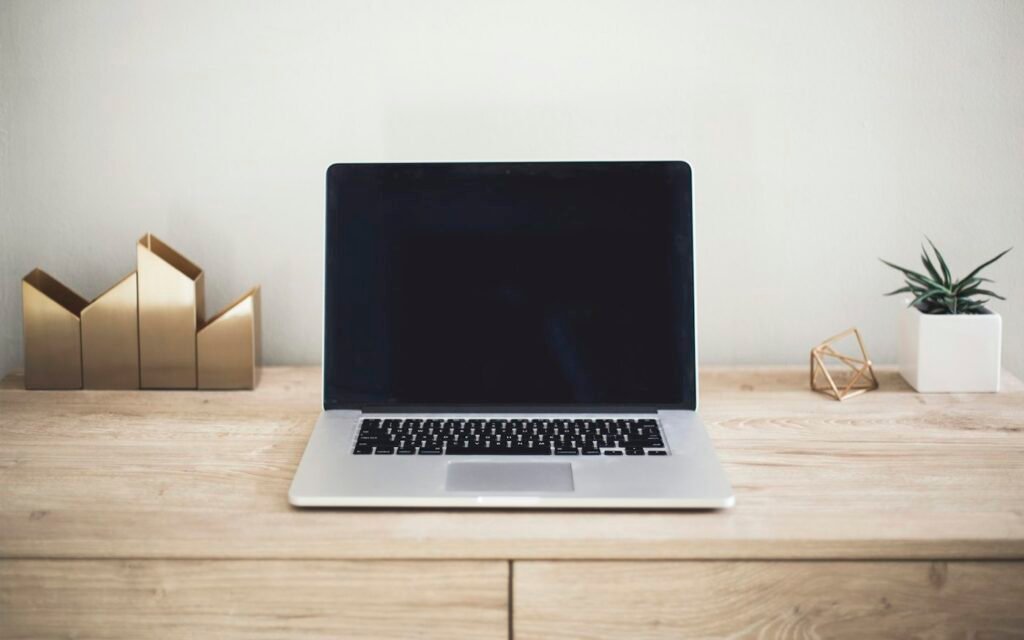
Screens are easy to scratch and easy to damage with the wrong cleaner. Apple and Samsung publish care guidance for their own devices, and their main advice is similar.
The safe method
- Switch off and unplug the device.
- Dust first with a soft, dry microfibre cloth.
- Dampen the cloth lightly if marks remain. Never spray directly onto the screen.
- Wipe gently without pressing hard.
- Let it dry fully before switching on.
What to avoid
- Window or household cleaners
- Acetone, ammonia, benzene, thinner and other solvents
- Aerosol sprays
- Abrasive pads and paper towels
- Pressing hard on the screen
Check your device first
Advice differs by device. Apple mentions water or a cleaner made for screens, while Samsung TV guidance starts with a dry cloth and warns against some chemicals, including alcohol. Your own manual comes first.
Quick checklist
From Organo Clean: a spray for use on a soft cloth, never directly on the screen. View LCD Screen Cleaner
Limits of this guide
This is general guidance from device makers. Check your device manual and the product label before using any cleaner.
References
Keep reading
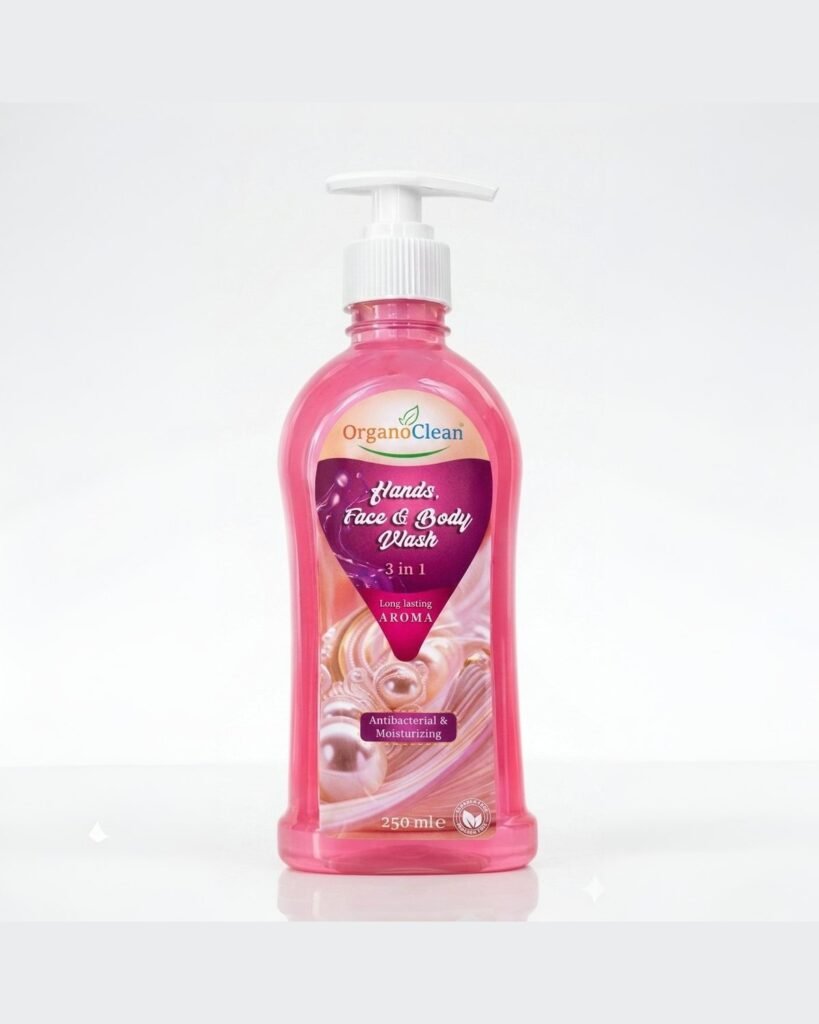 Product Knowledge3 in 1 Hands, Face and Body Wash: One Bottle for the Whole FamilyOne gentle cleanser for hand washing, a quick face wash and your daily shower. Here is how it works, how…2 min read
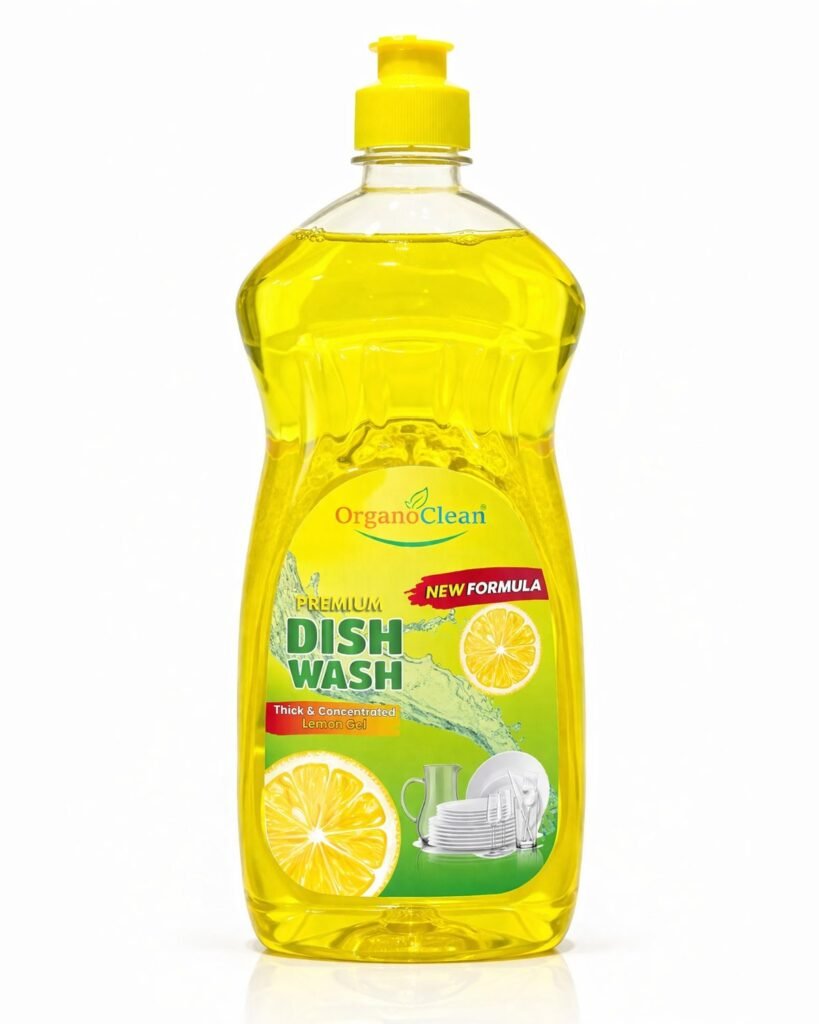 Product KnowledgeHow Far Does One Bottle of Dish Wash Go? About 7,000 PlatesJust 1 mL of Organo Clean Premium Dish Wash cleans about 15 plates. We worked out what one 475 mL…2 min read
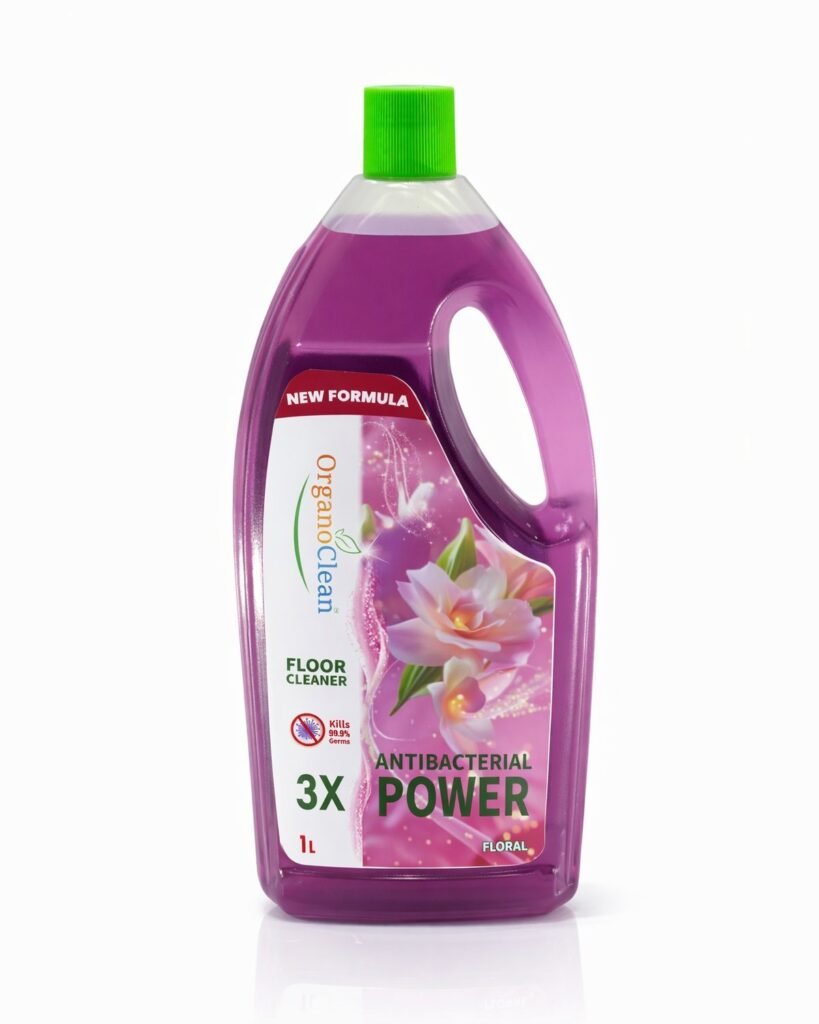 Product KnowledgeOne Cap, One Kanal: Budget-Friendly Floor Cleaning with Organo CleanOne 15 mL cap of Organo Clean Floor Cleaner in 3 litres of tap water mops a full kanal. Here…2 min read